← Back

Employee Portal

Employee Portal

About the project

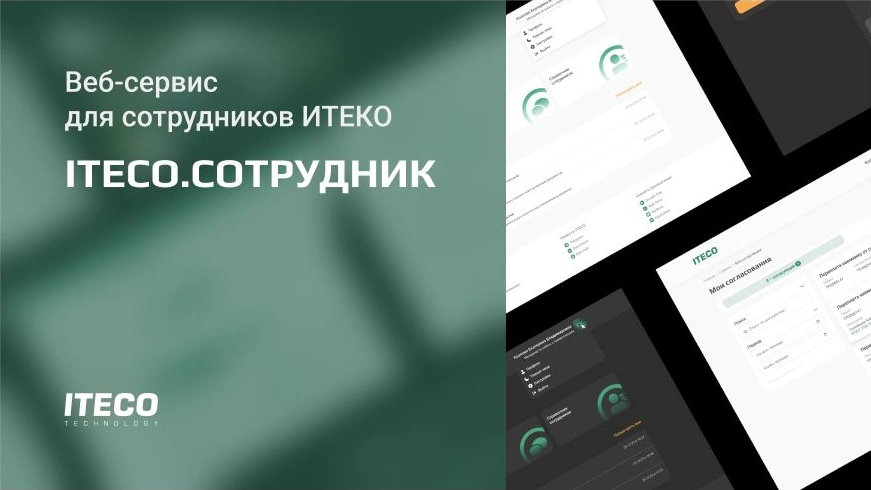
The portal brings together company news, internal services, documents, and requests to other departments. The dashboard shows relevant posts, tasks, and available tools. Employees can also download the mobile app and receive notifications about new posts and sign-in codes through the portal.

Cases

News and Post Editor
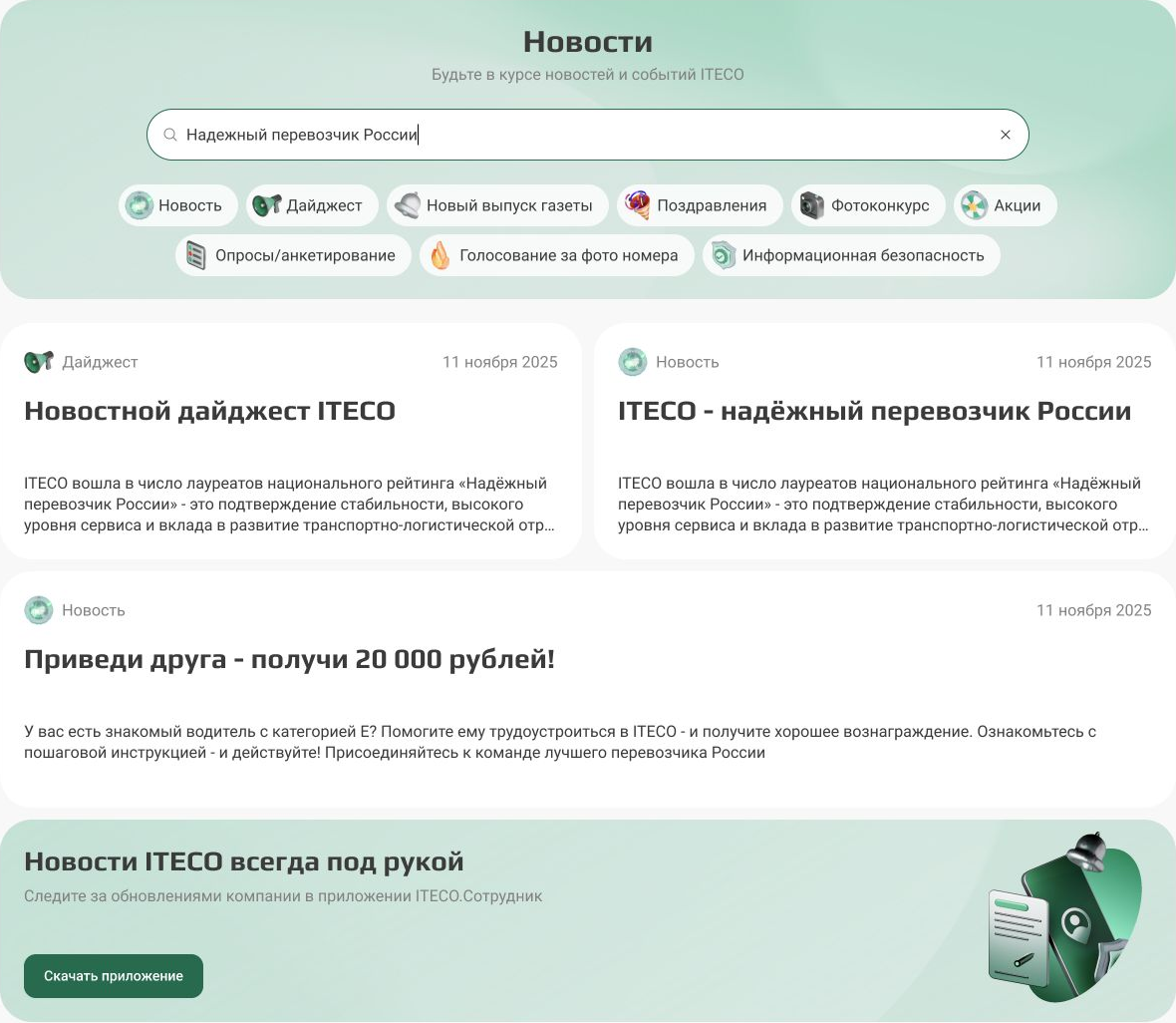
News and Post Editor
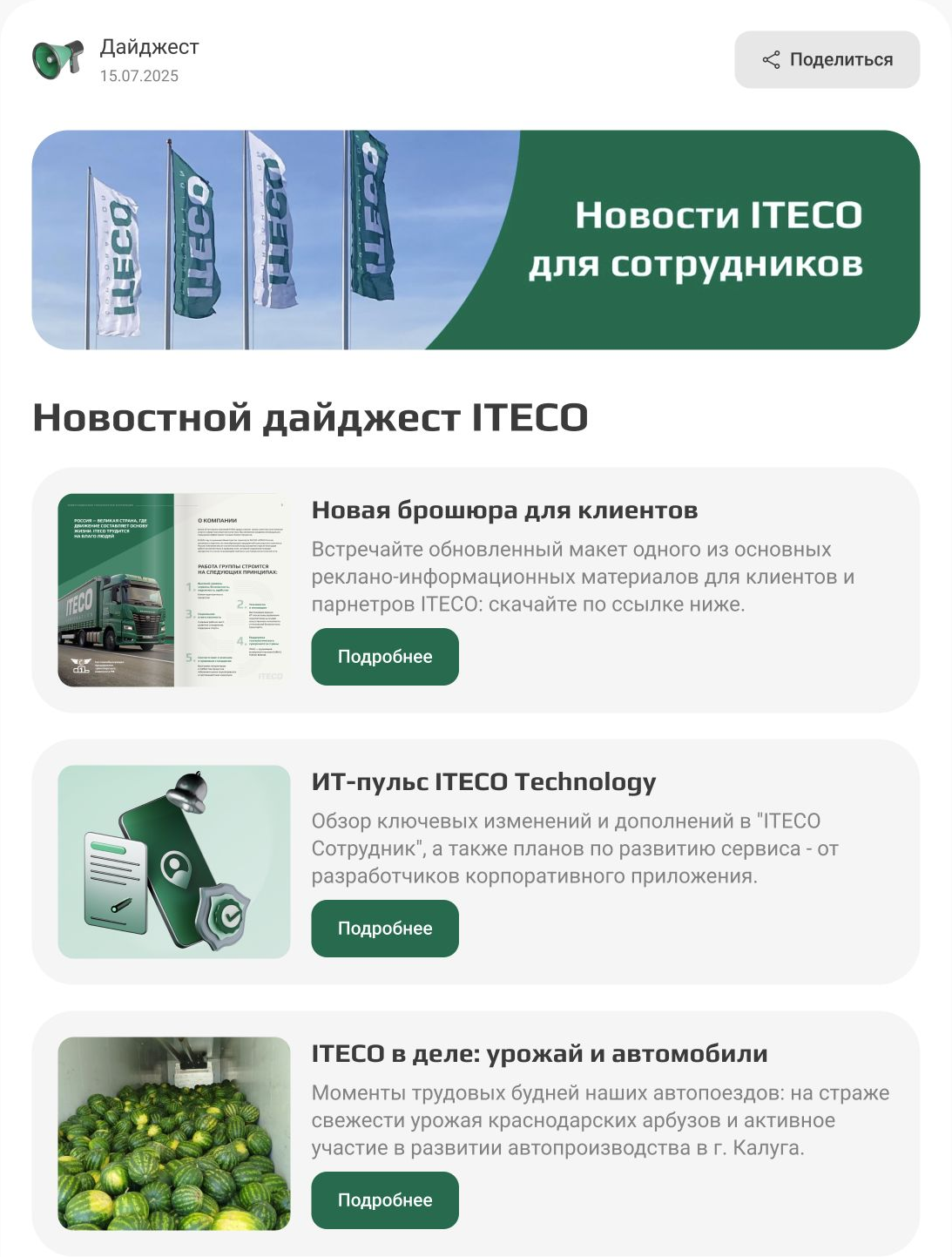
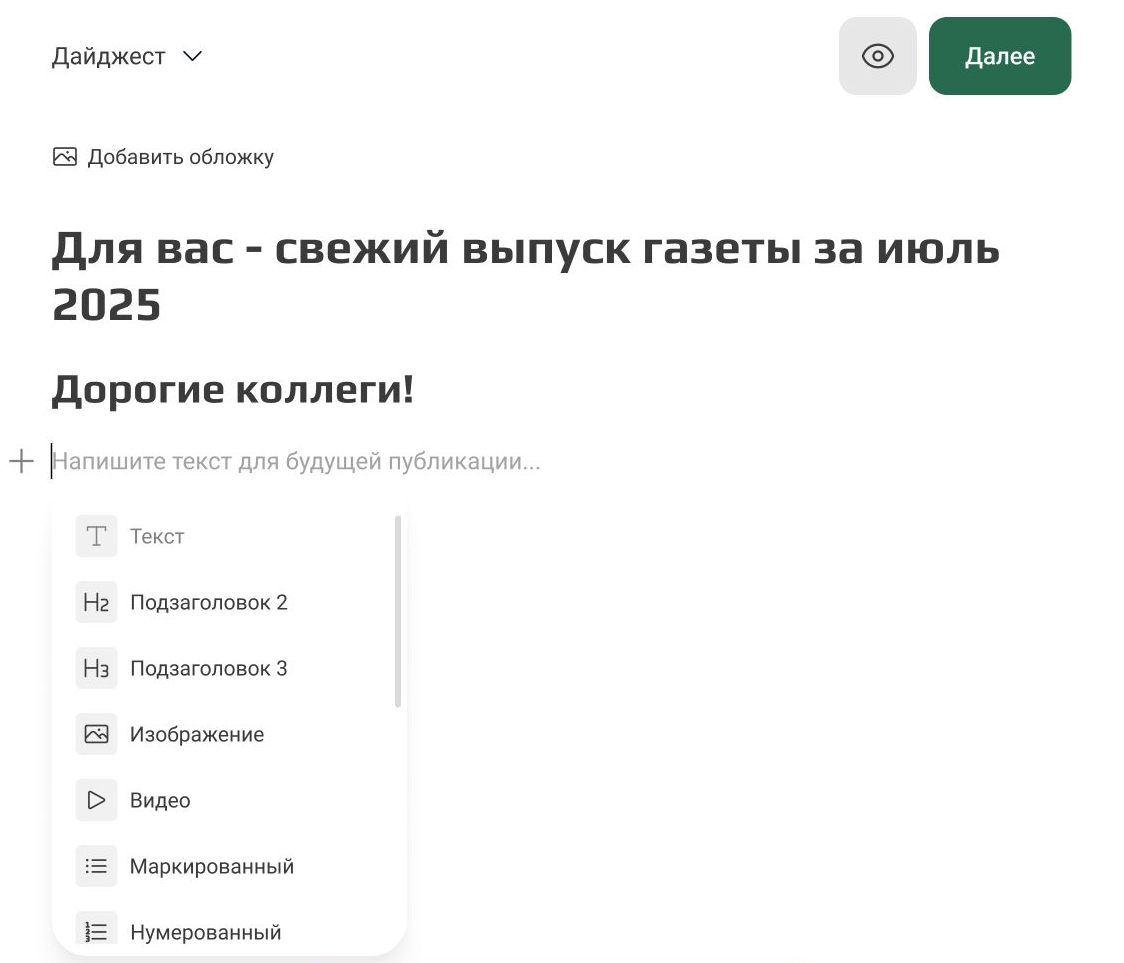
1 / 4

Task

Give employees a shared source of company news and let content editors prepare posts without developer assistance.

Solution

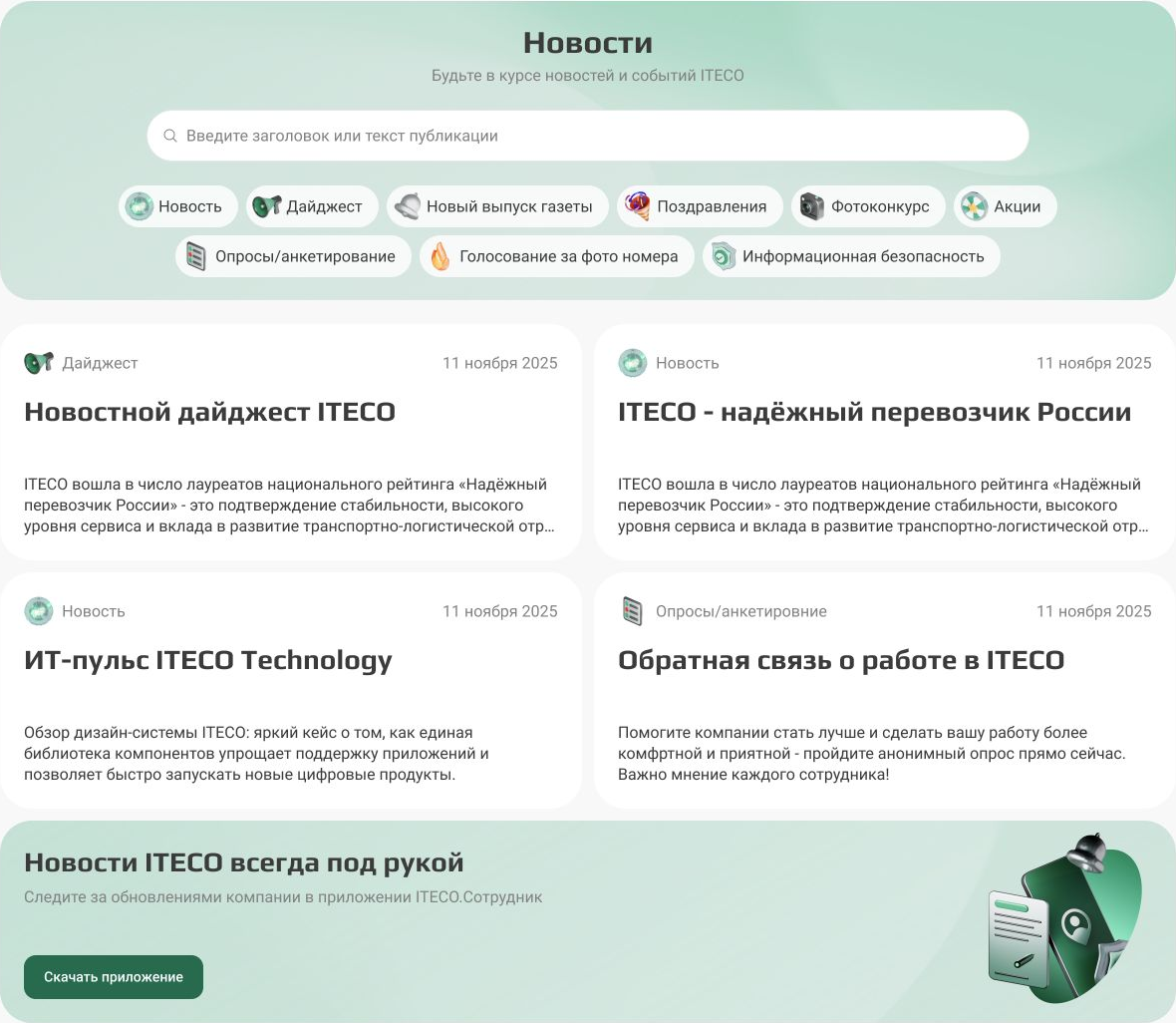
  • A visual editor assembles posts from ready-made text, image, and quotation blocks.
  • Content editors can create and publish news posts or greetings themselves.
  • Posts appear in the portal’s shared news feed.
  • When needed, posts can also be distributed to employees by email.

Result

Employees can read company news in a shared feed, while content editors prepare posts without involving developers.
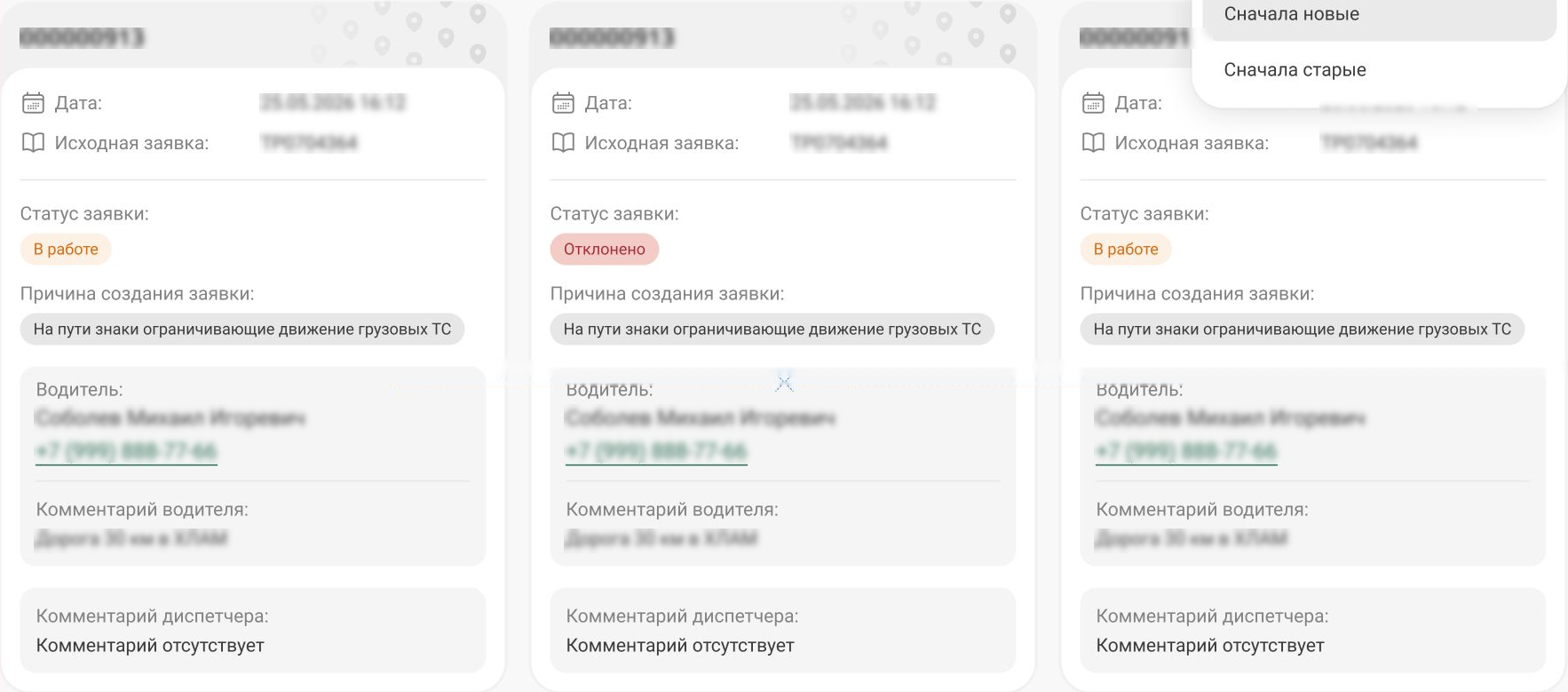
Route Corrections and Polygon Editor

Route Corrections and Polygon Editor
1 / 4

Task

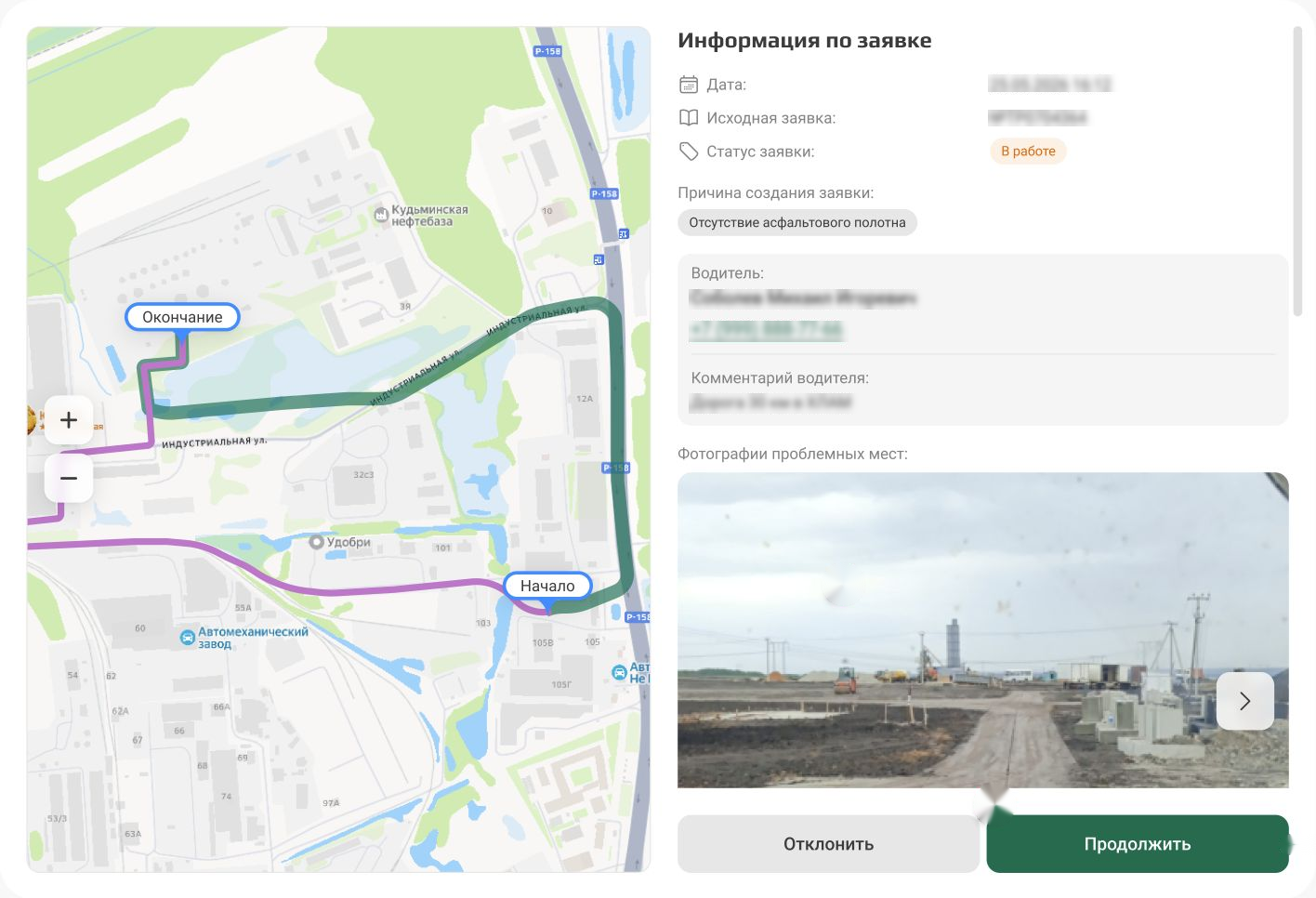
Let employees review reported road obstacles and account for confirmed restrictions when planning routes.

Solution

  • Drivers report obstacles during a trip.
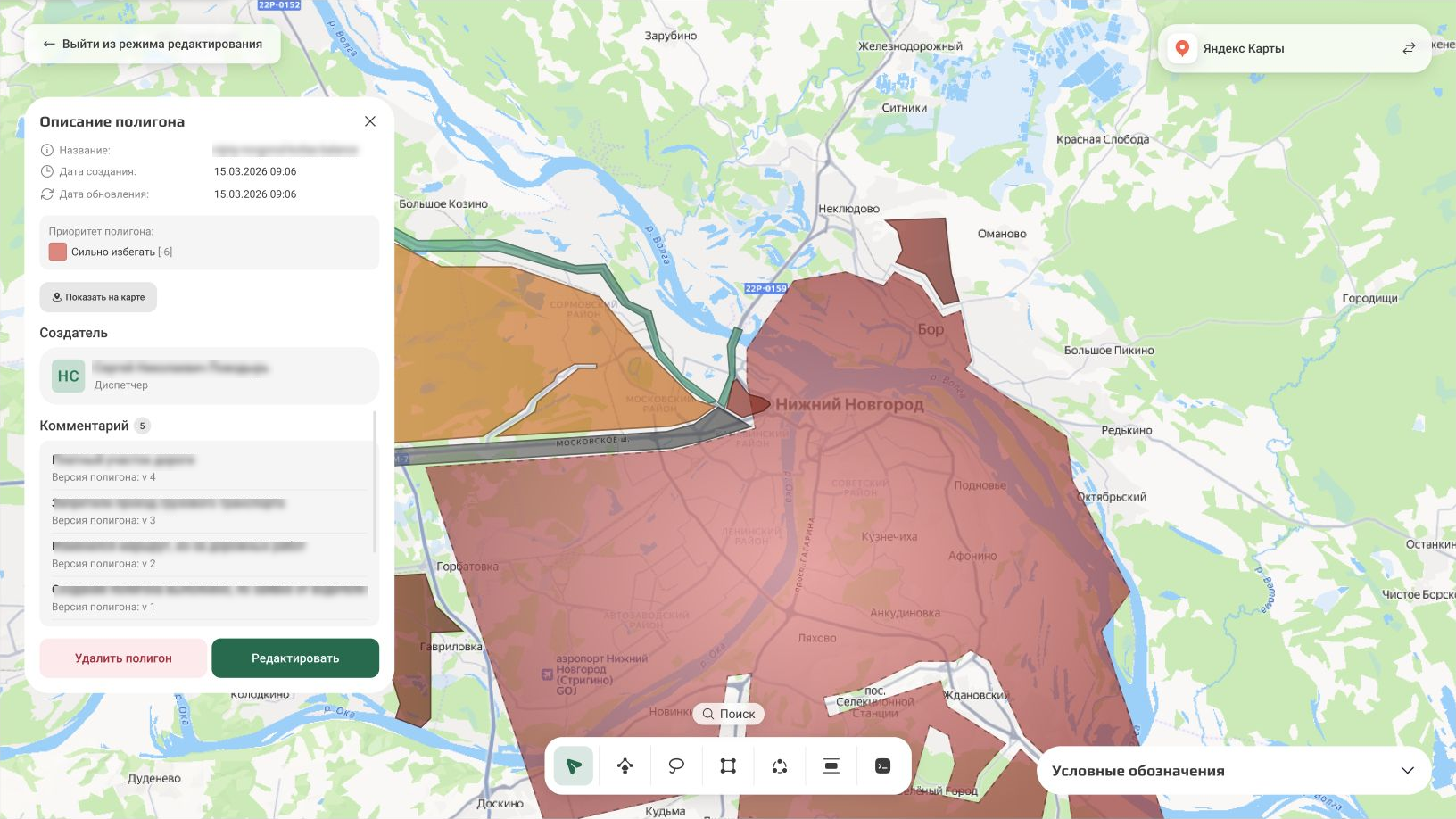
  • A responsible employee views each report on a map and reviews it.
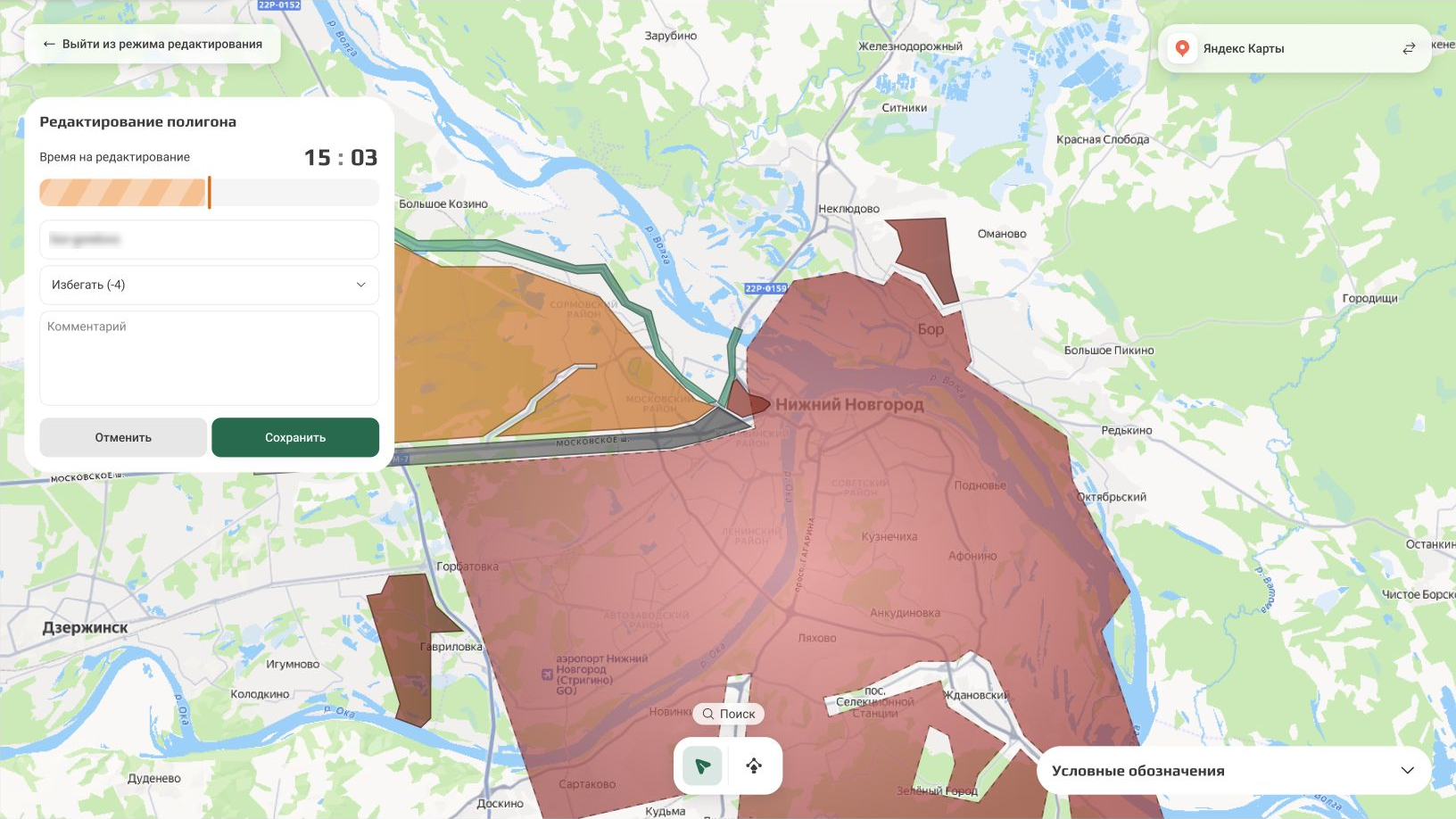
  • A polygon editor is used to work with restricted areas on the map.
  • Confirmed restrictions are taken into account when building subsequent routes.

Result

Obstacle reports can be reviewed on a map, and confirmed restrictions can be used when planning future trips.

Ticket System (CUZ)

Ticket System (CUZ)
Ticket System (CUZ)
Ticket System (CUZ)
Ticket System (CUZ)
1 / 4

Task

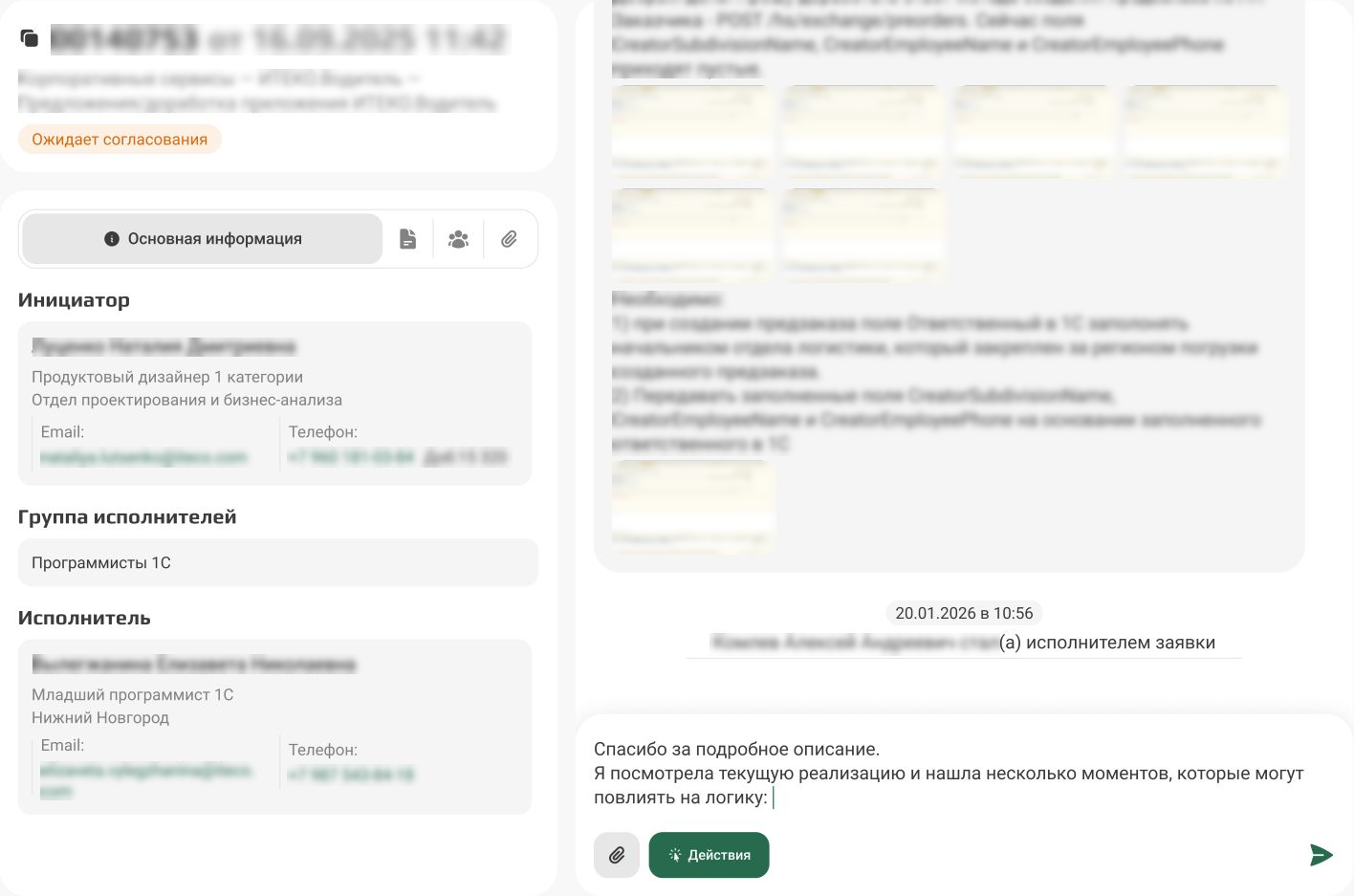
Keep internal requests and their conversations in one place so employees can track requests and assigned specialists can handle them.

Solution

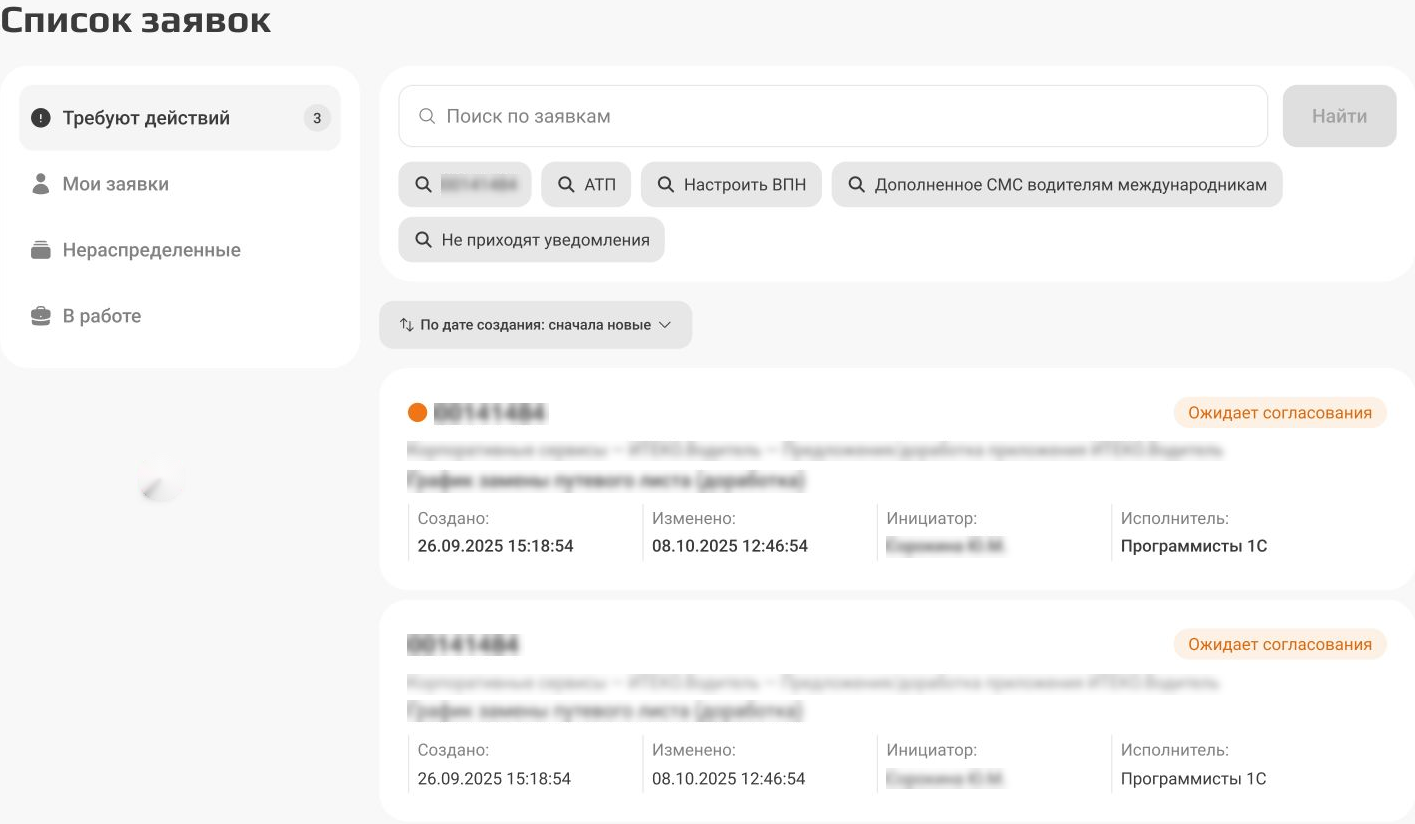
  • Employees create requests as individual tickets.
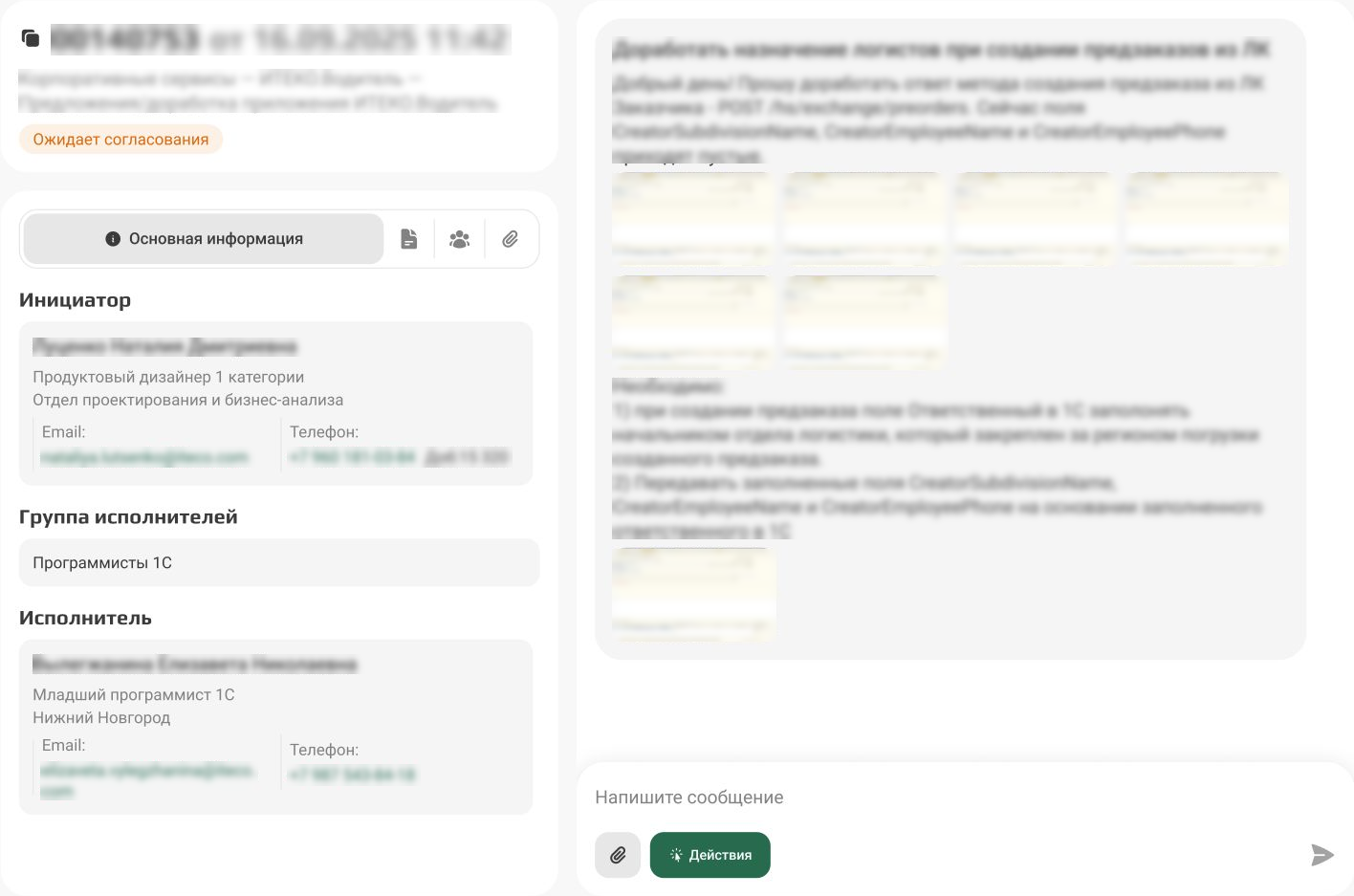
  • The system routes each ticket to the responsible specialist.
  • The conversation and final resolution remain in the ticket.
  • Employees can check the current stage of their requests.

Result

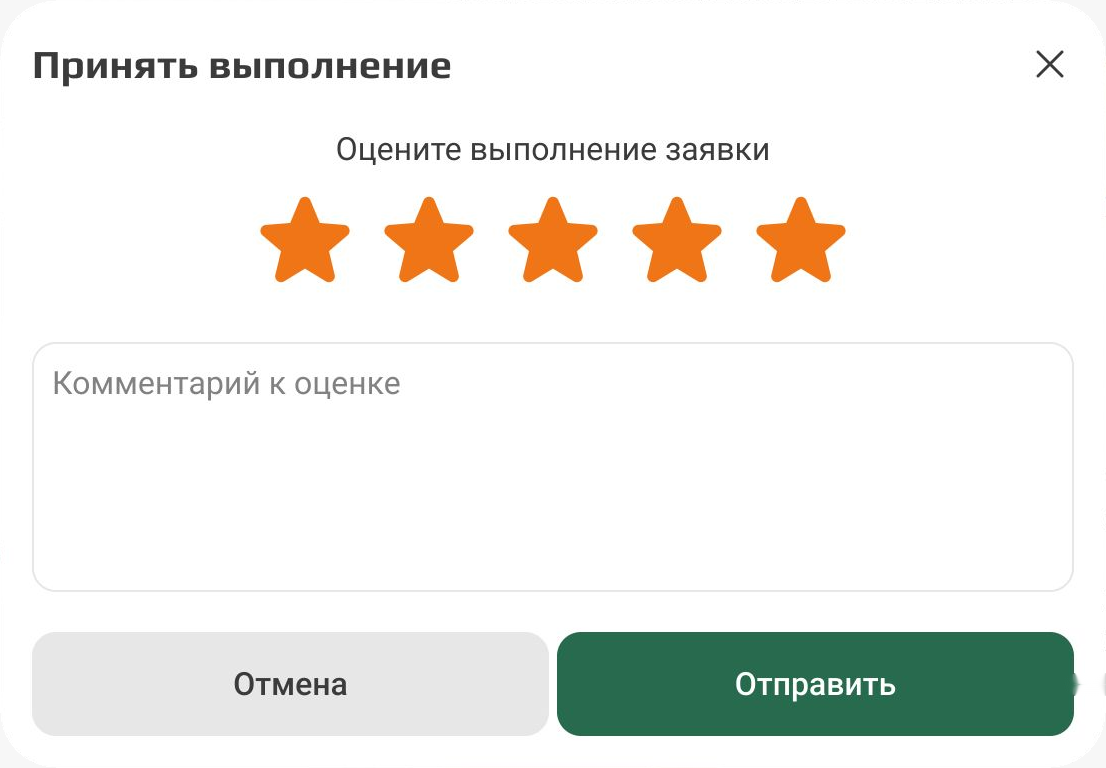
The request, discussion history, and resolution are available in one ticket. Both parties can return to it and check its status.

Mailings and Greeting Cards

Mailings and Greeting Cards
1 / 4

Task

Provide tools for sending announcements to a selected audience and personal greetings to individual recipients.

Solution

  • A responsible employee selects a mailing audience, such as all carriers.
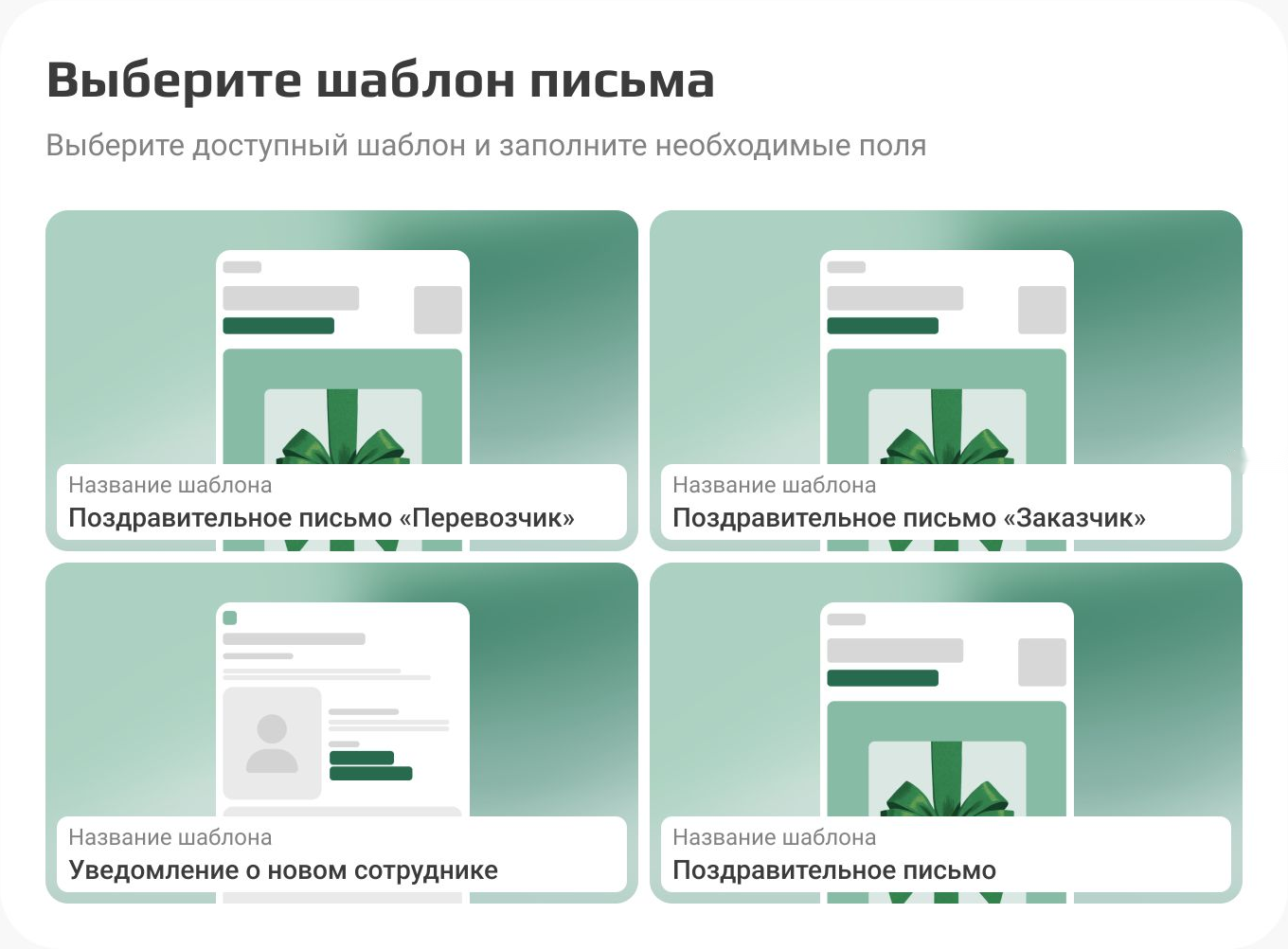
  • Mass mailings support important announcements and greetings based on ready-made templates.
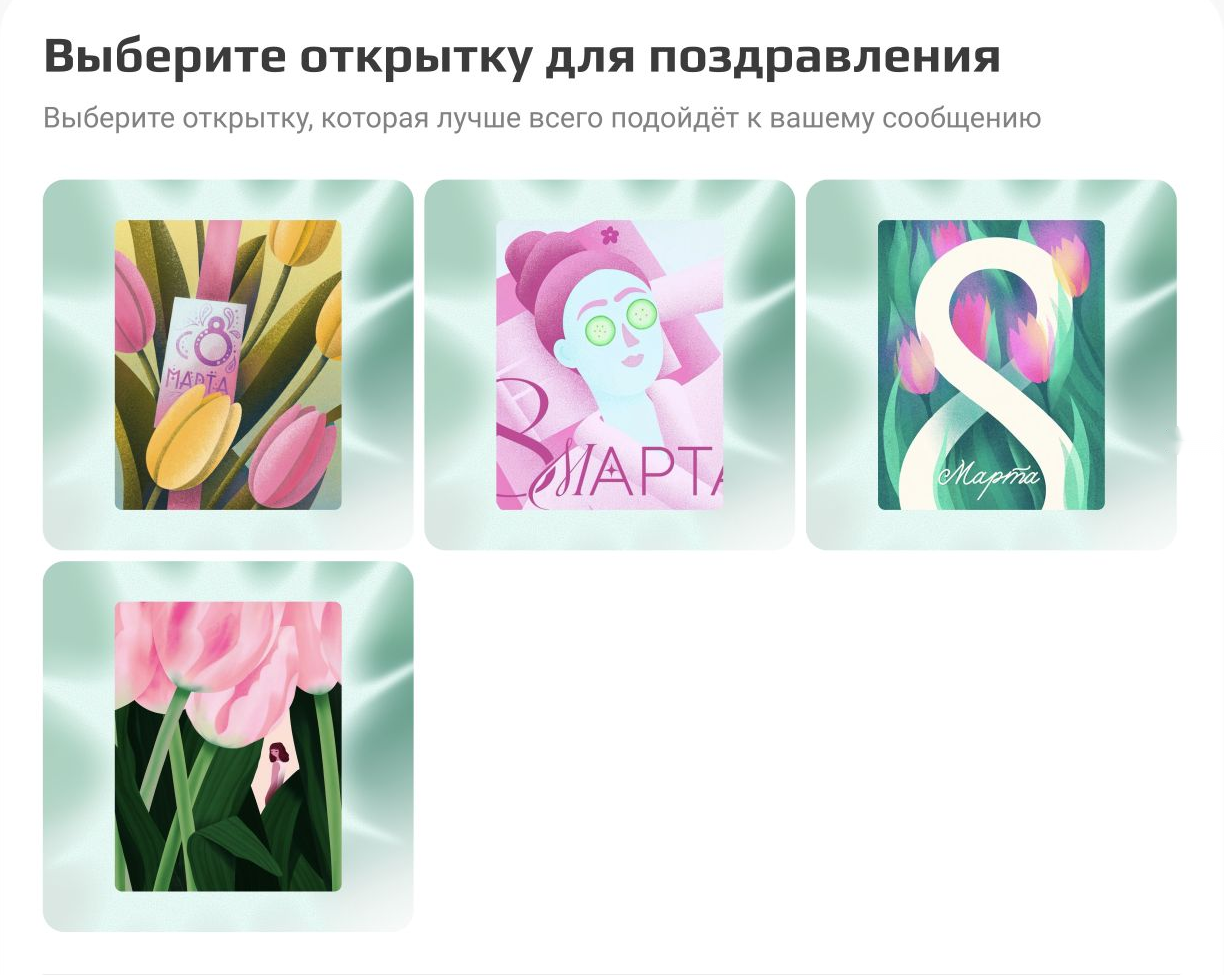
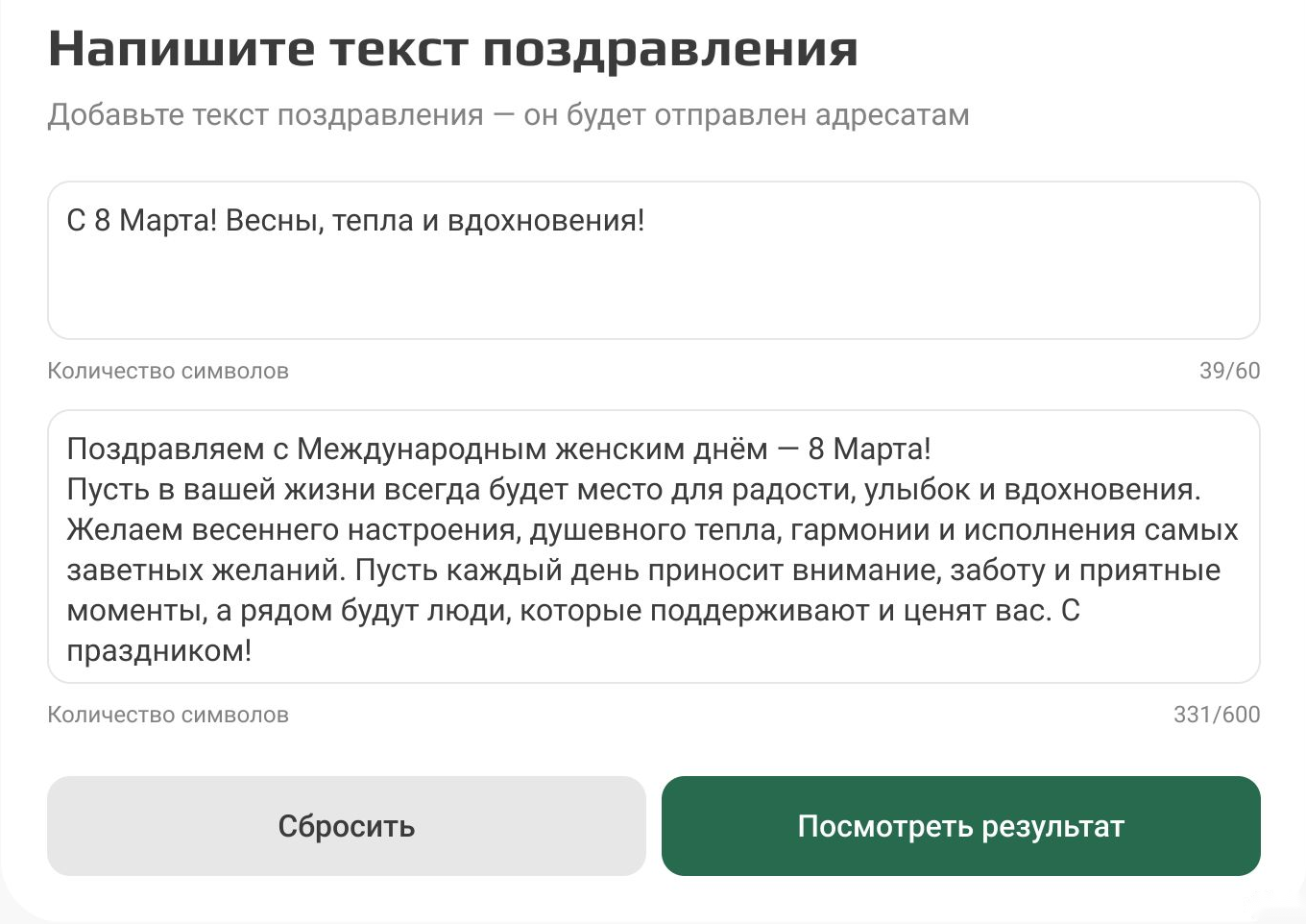
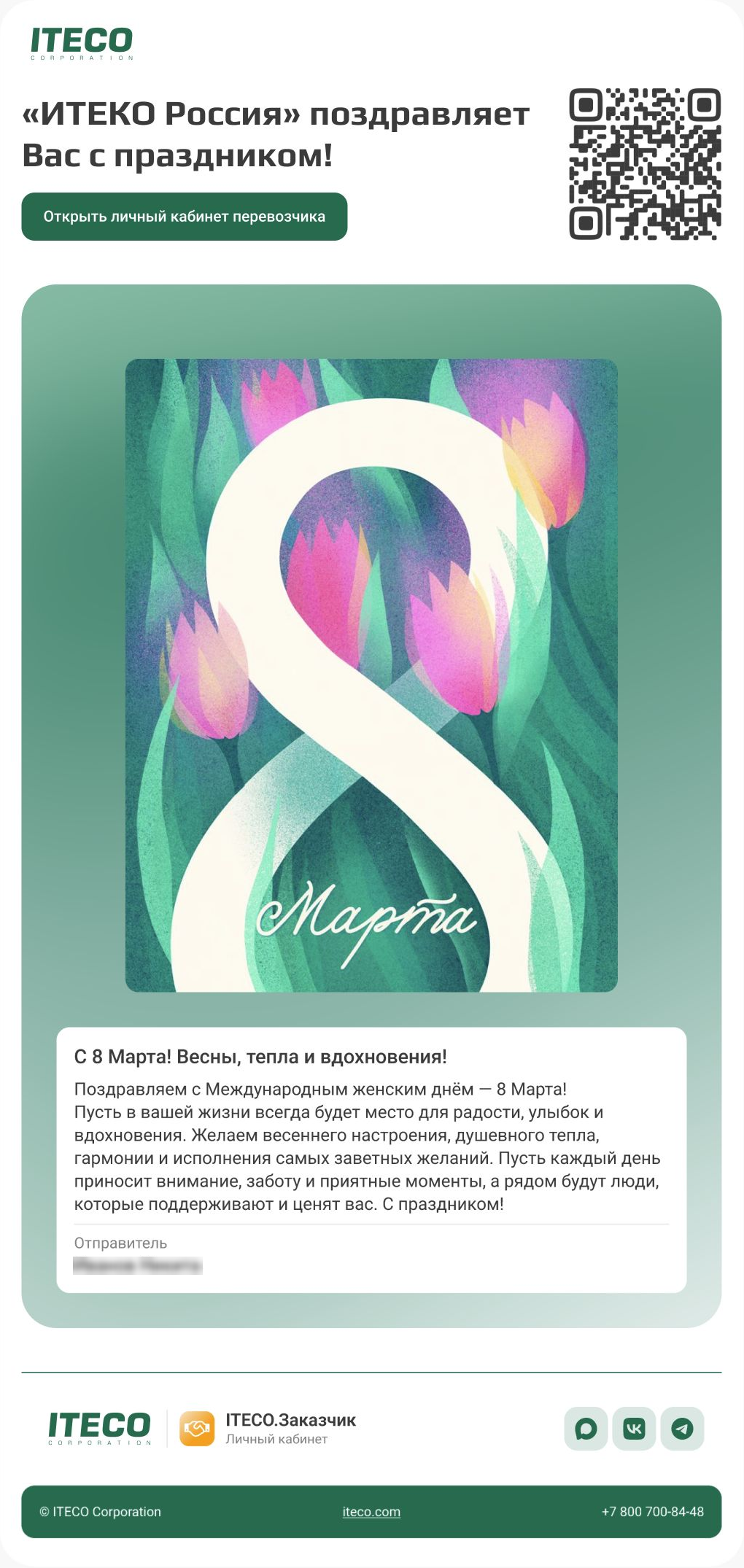
  • For a personal greeting card, an employee chooses a template and adds their own message.
  • The card is sent to a specific recipient and appears in their account.

Result

Mass messages and personal greeting cards are separate workflows, allowing employees to address an entire audience or a specific person.