← Back

Freight Management Portal

Freight Management Portal

About the project

A web application for booking freight shipments and tracking cargo. Users can arrange delivery from point A to point B, such as shipping goods between cities to a warehouse or store. The portal includes shipment orders, shipment requests, a warehouse directory, and notifications delivered through a service worker.

Cases

Shipment Tracking

Shipment Tracking
Shipment Tracking
Shipment Tracking
1 / 3

Task

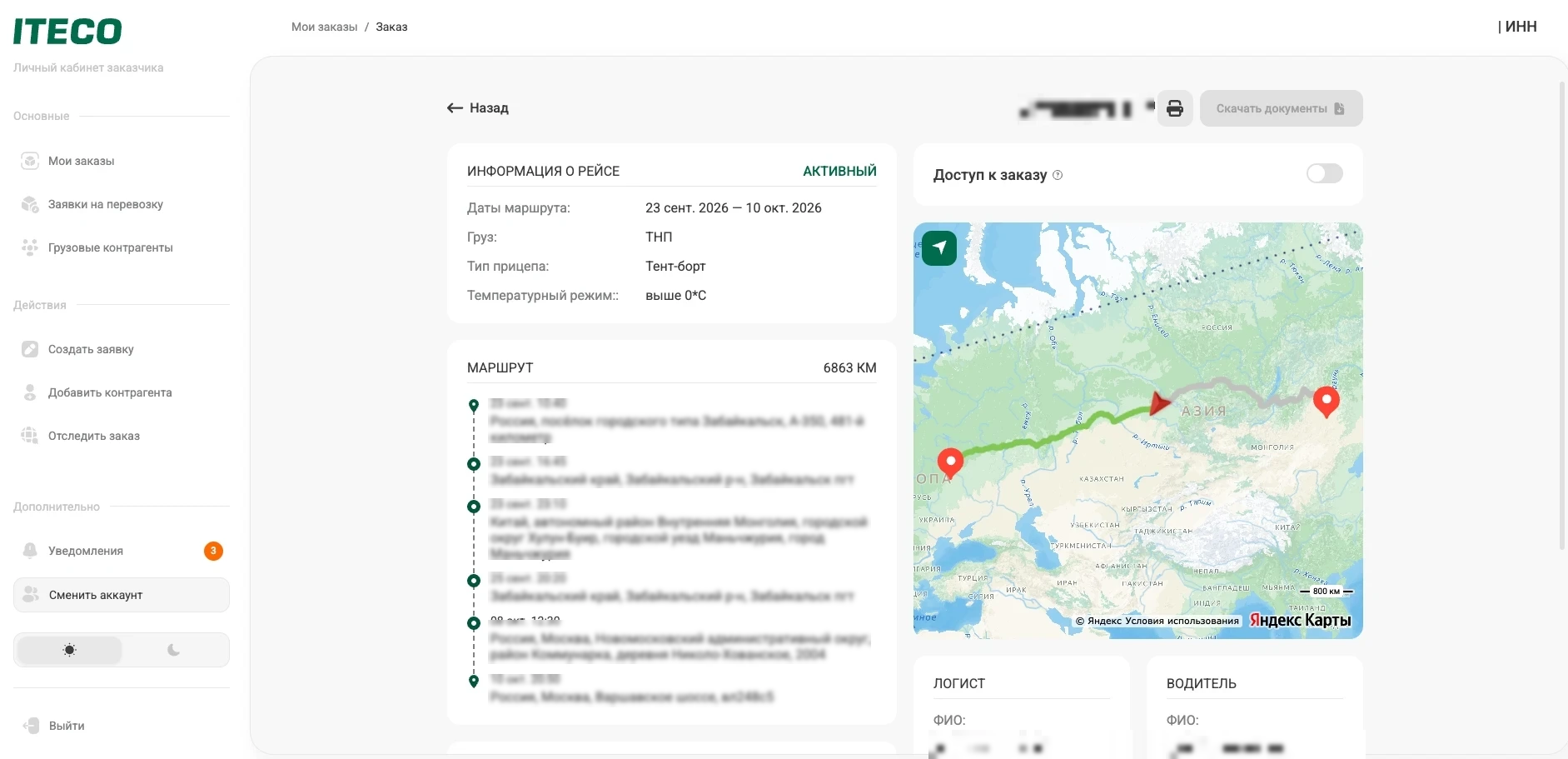
Let users view a vehicle’s current location and share tracking access with someone who does not have an account.

Solution

  • Signed-in users can view their shipment orders and open real-time vehicle tracking.
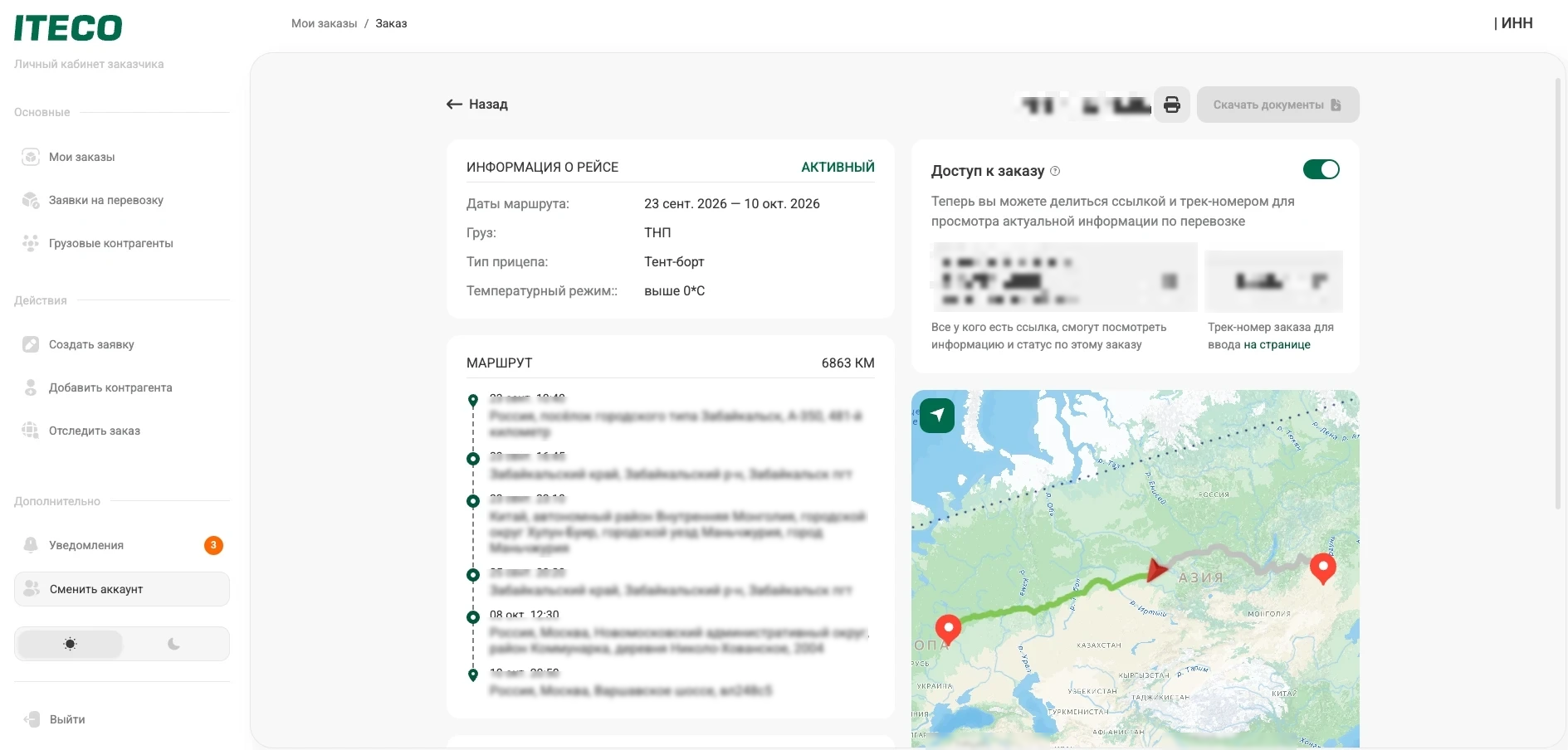
  • Users can enable tracking access for an order through a tracking number.
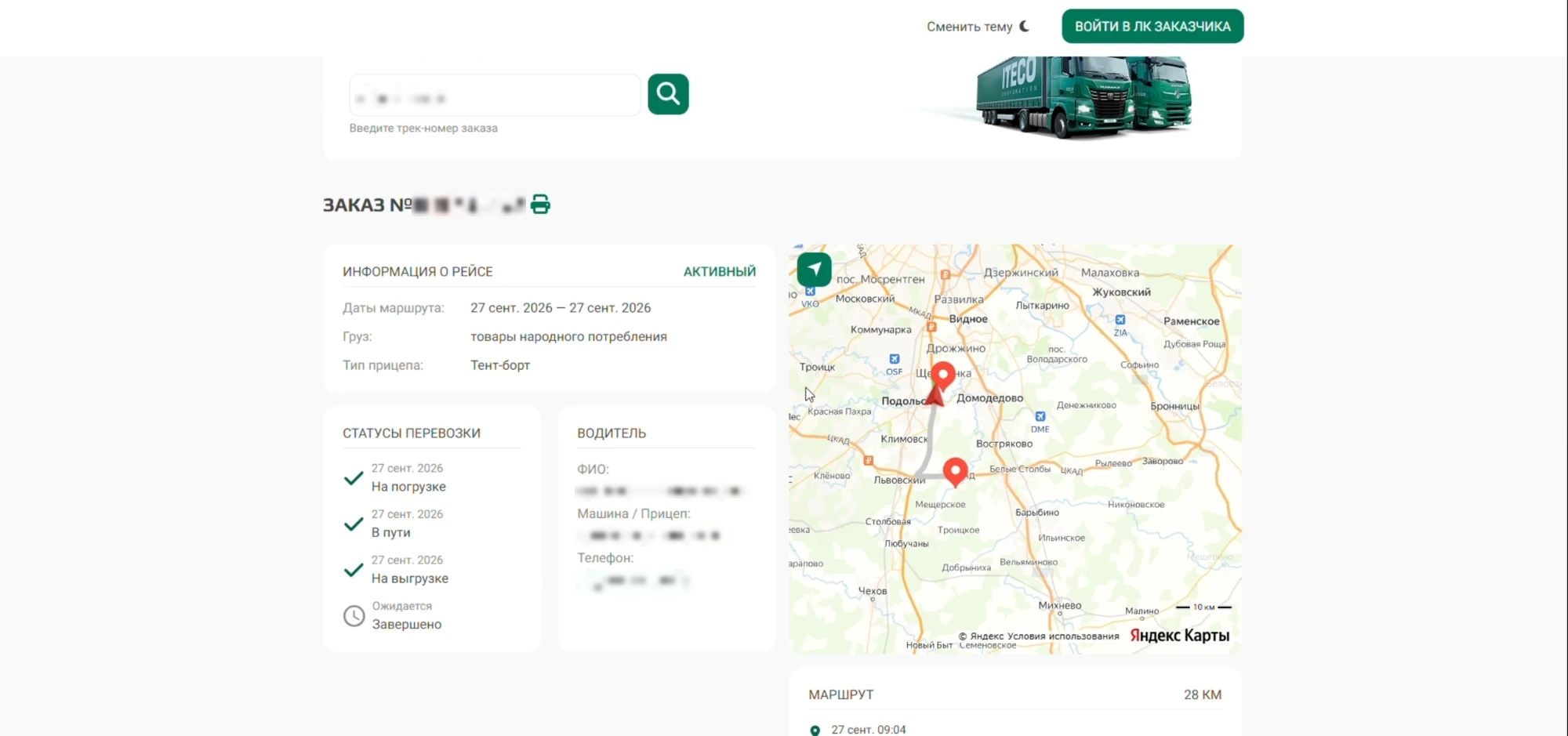
  • Visitors without an account can open a dedicated page, enter the tracking number, and view the vehicle’s current location on a map.

Result

Vehicle tracking is available both within the portal and without signing in, using a tracking number.
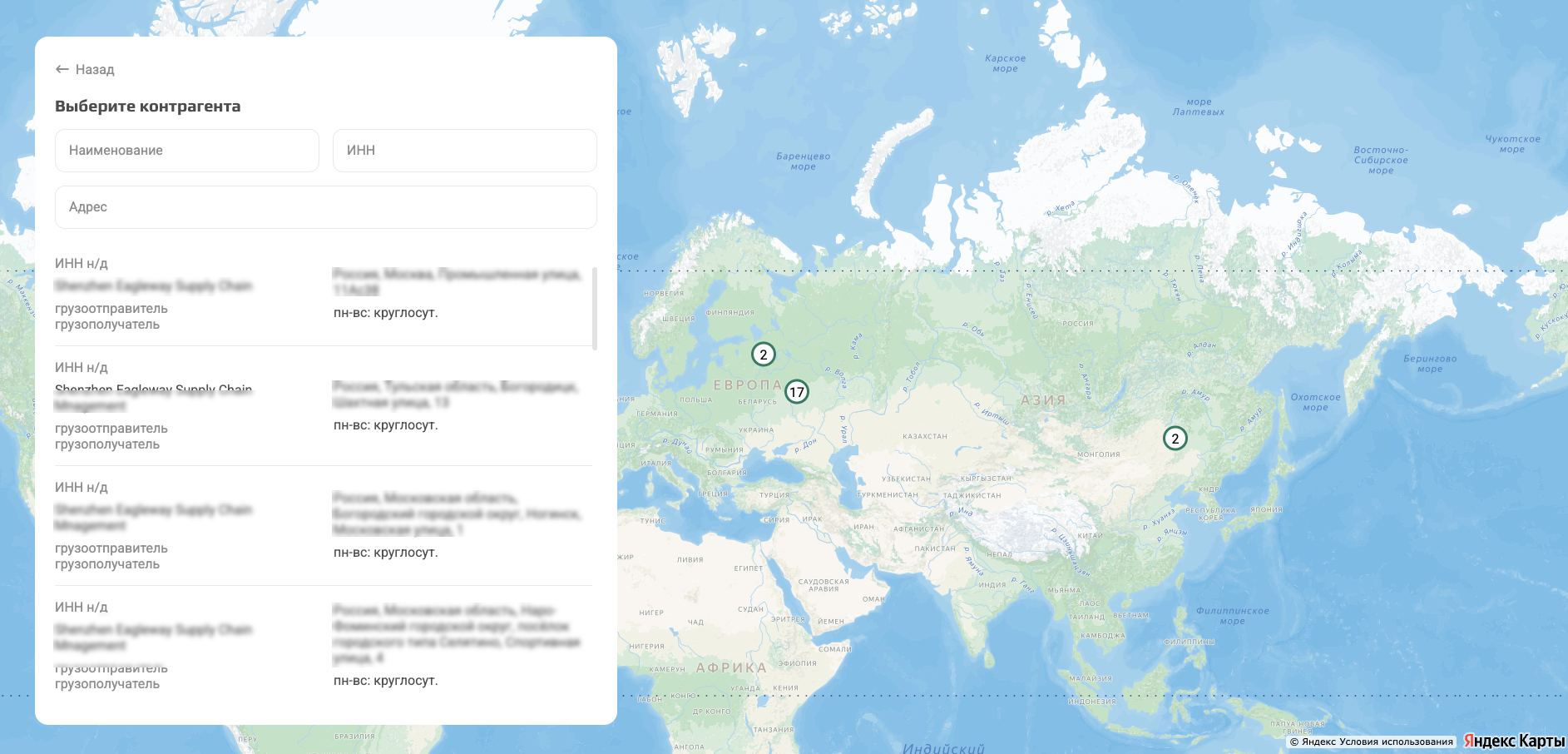
Creating a Shipment Request

Creating a Shipment Request
1 / 4

Task

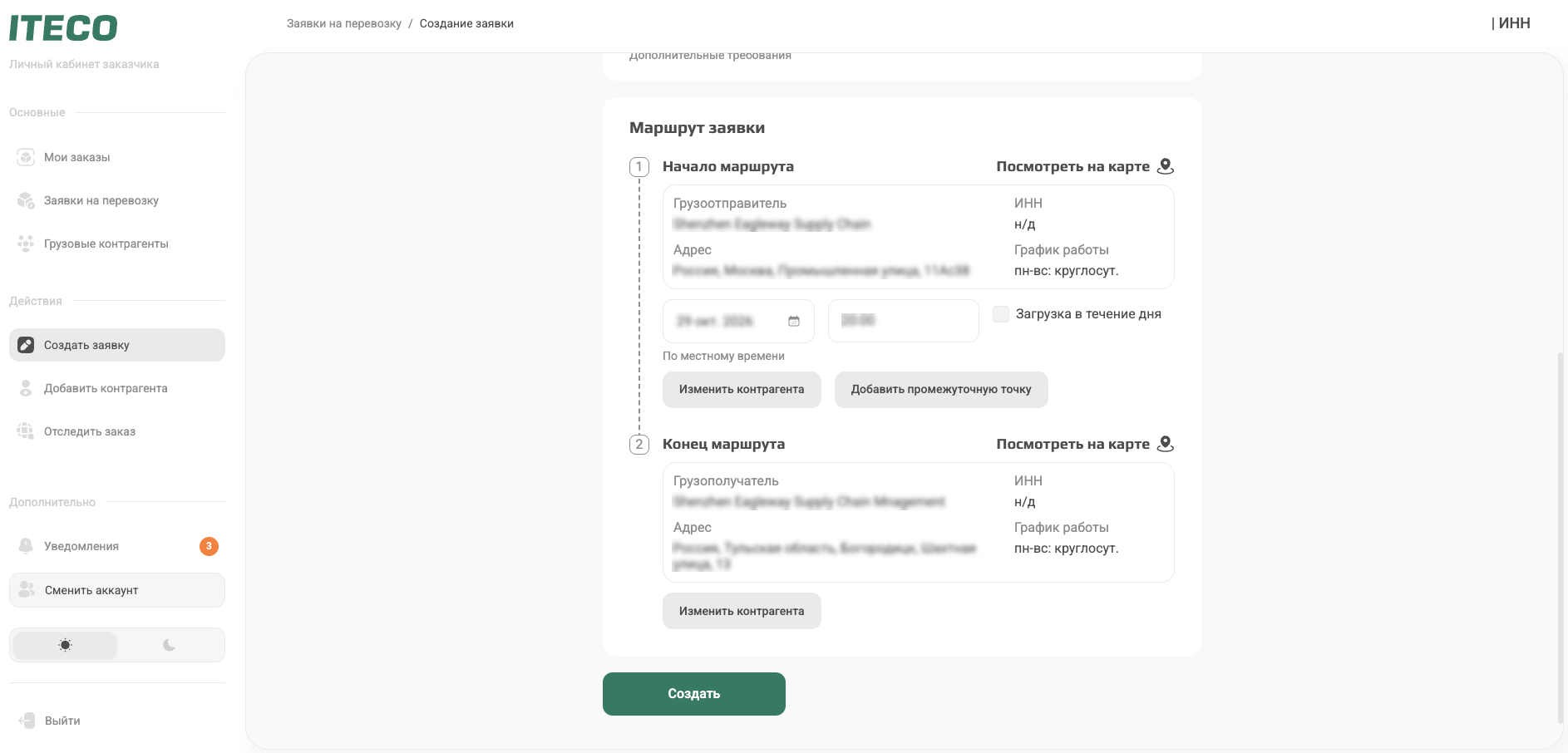
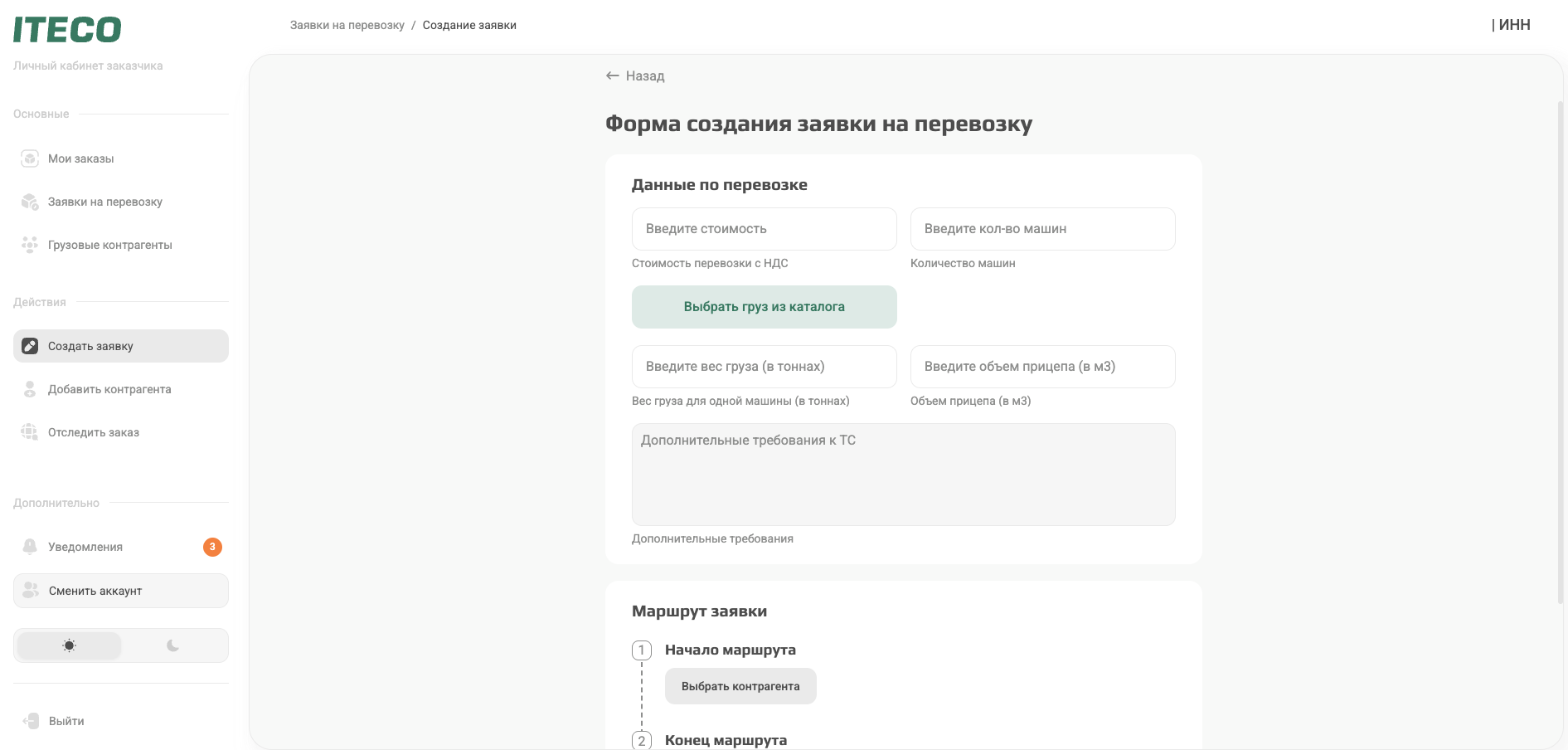
Let signed-in users submit a shipment request with cargo details and pickup and delivery locations.

Solution

  • Company details are filled in from the signed-in user’s profile.
  • The form includes the shipment route, cargo type, weight and volume details, and pickup and delivery locations.
  • A location picker opens in a modal window.
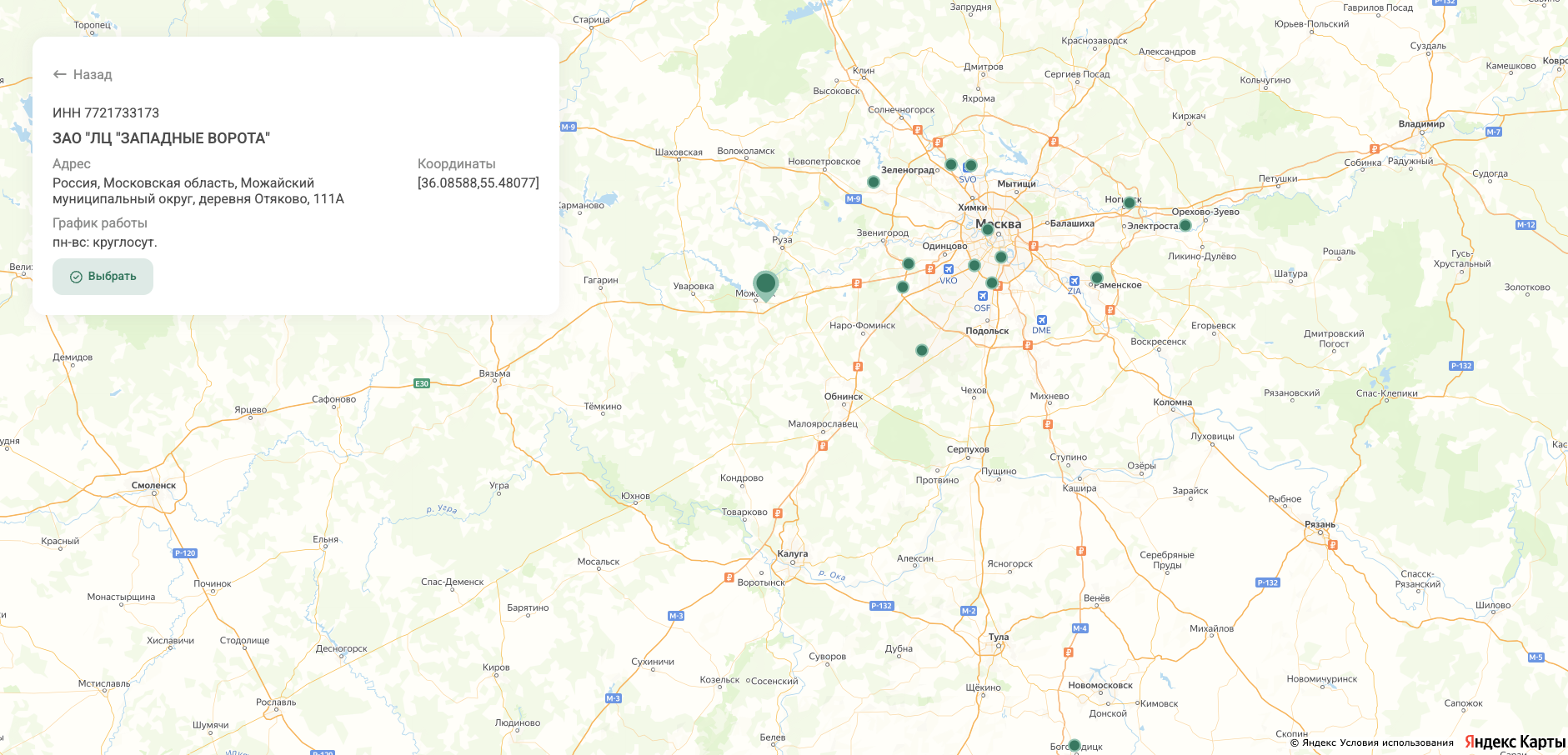
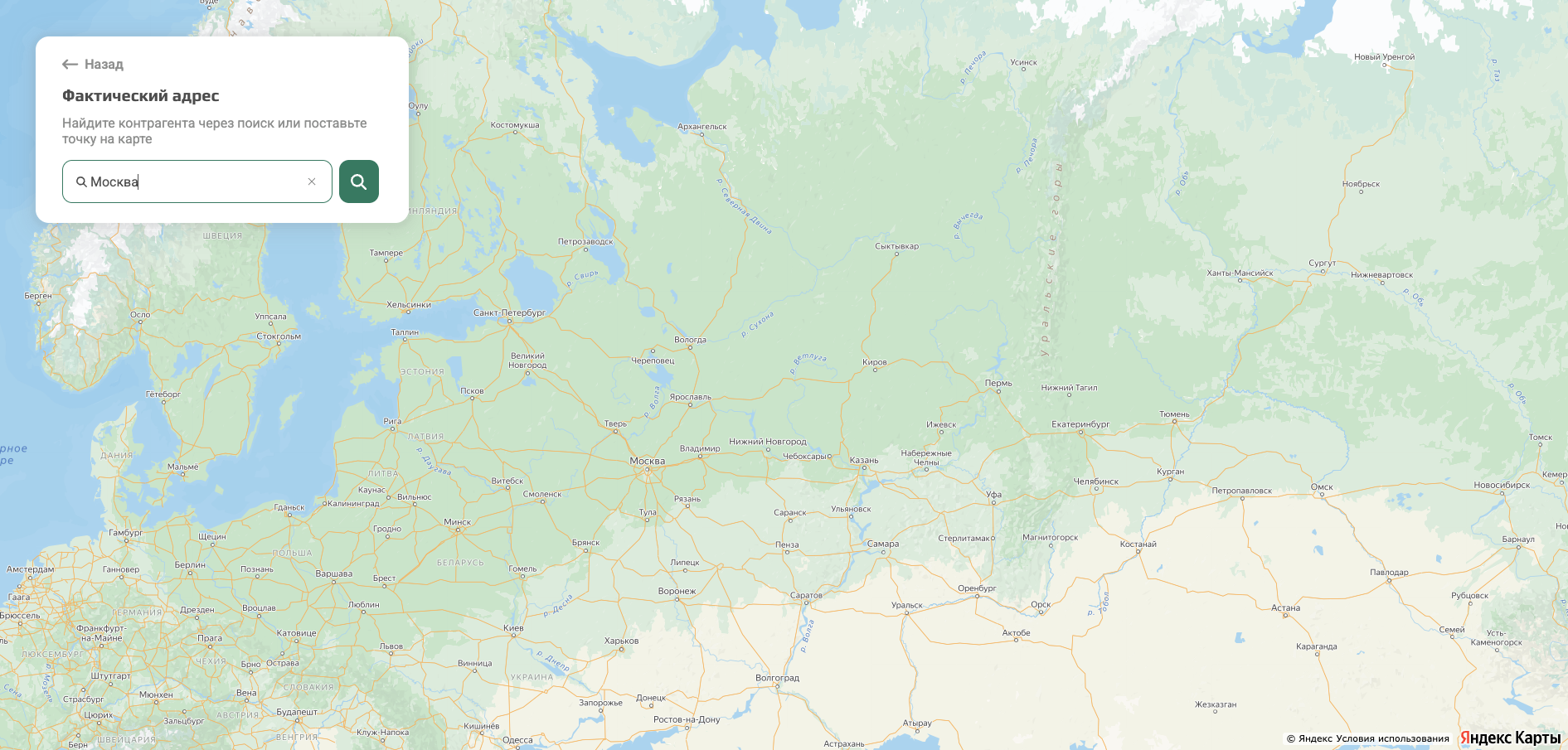
  • The “Select on map” button lets users search for an address and view its location.
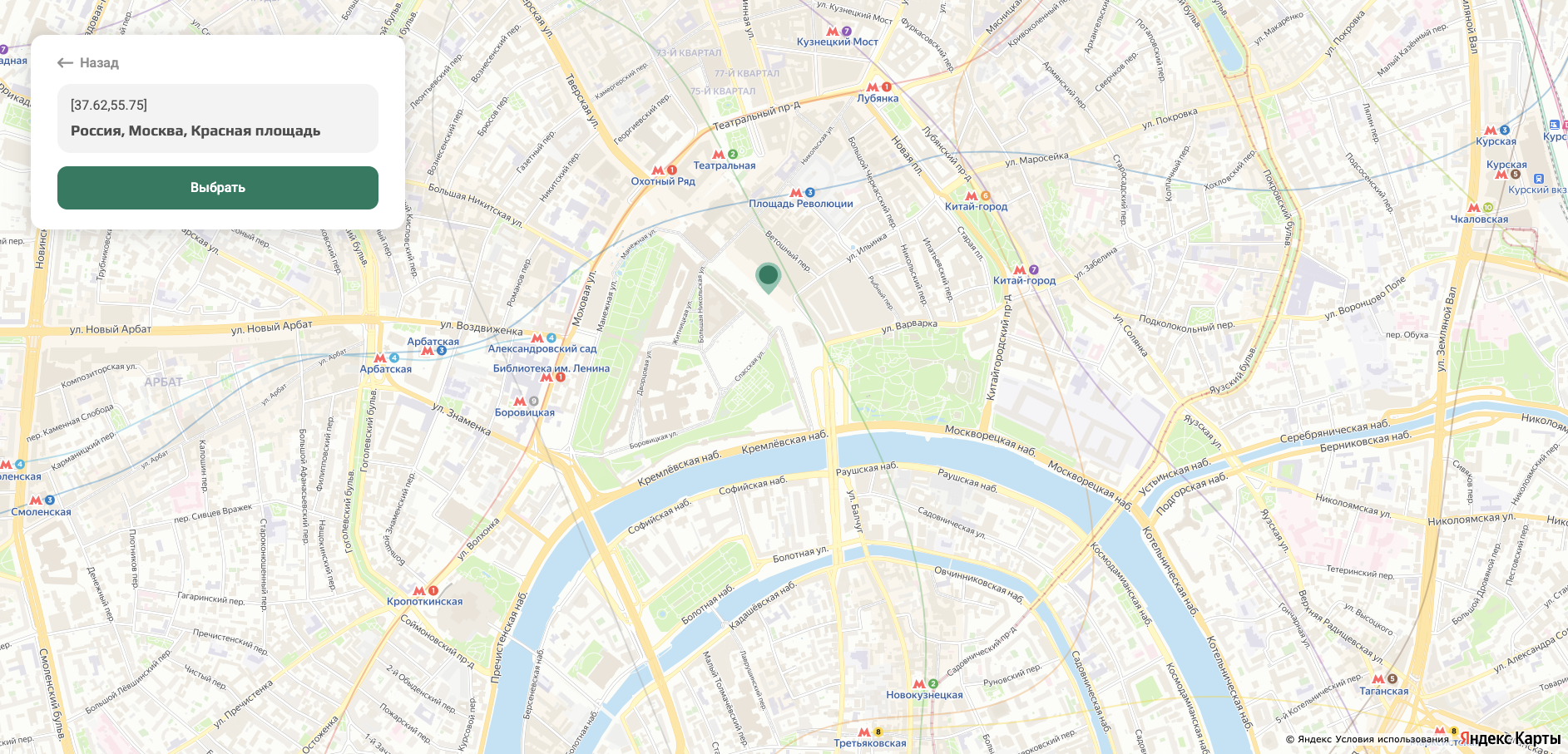
  • Users can also place a pin directly on the map to determine the address at that location.

Result

Users can submit shipment requests with freight details and pickup and delivery locations, including locations selected directly on a map.

Adding a Warehouse

Adding a Warehouse
Adding a Warehouse
Adding a Warehouse
Adding a Warehouse
Adding a Warehouse
1 / 5

Task

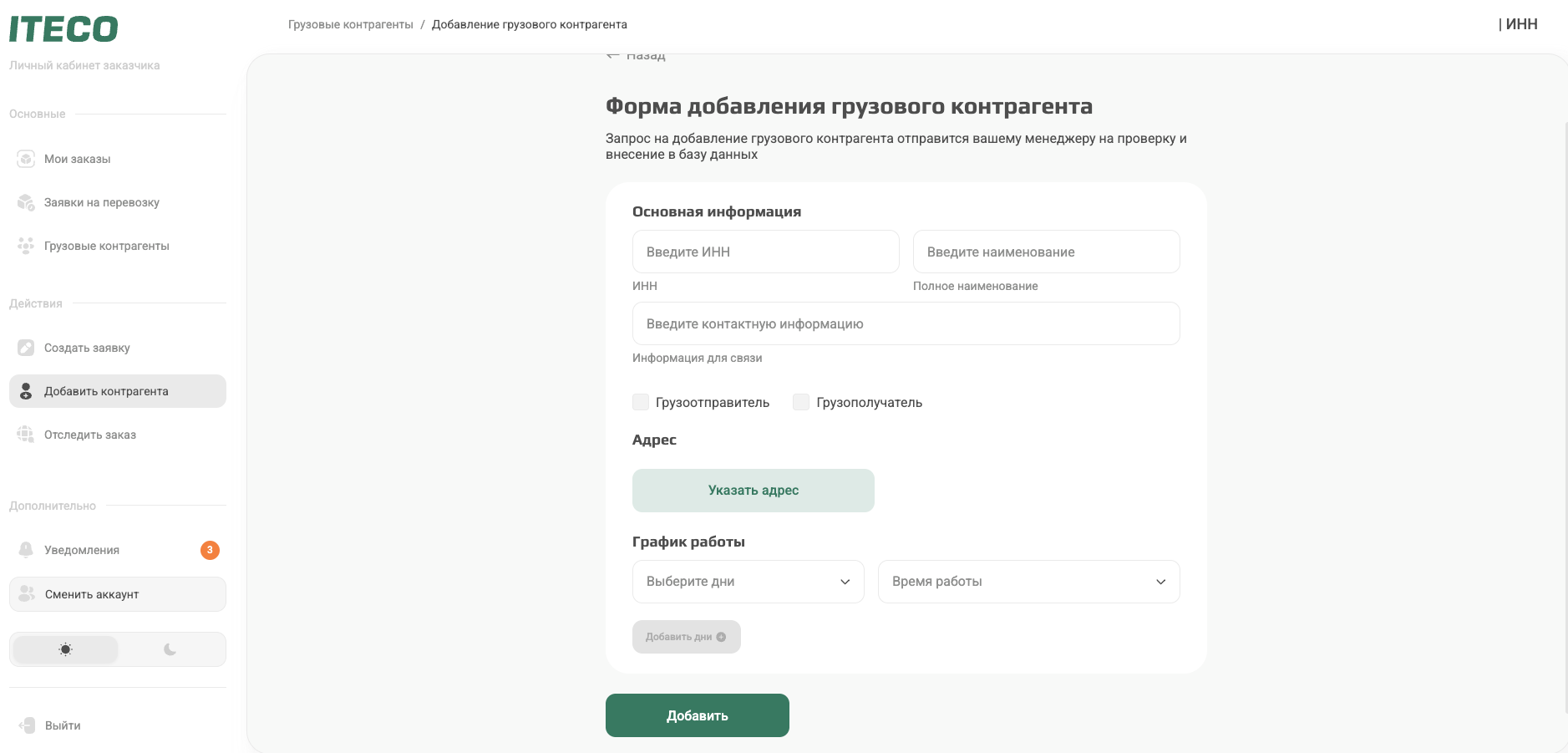
Let users add a warehouse to select as a pickup or delivery location in a shipment request.

Solution

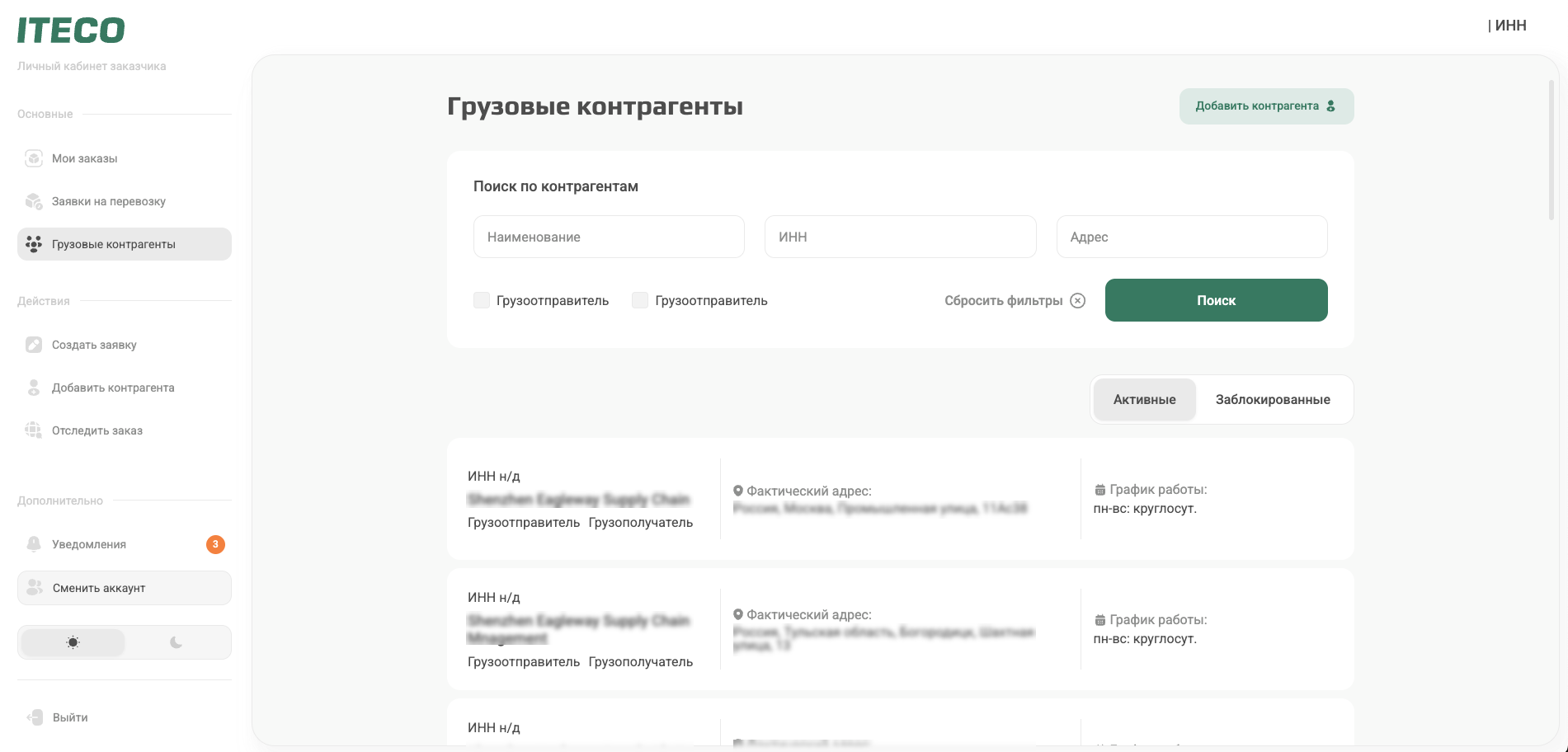
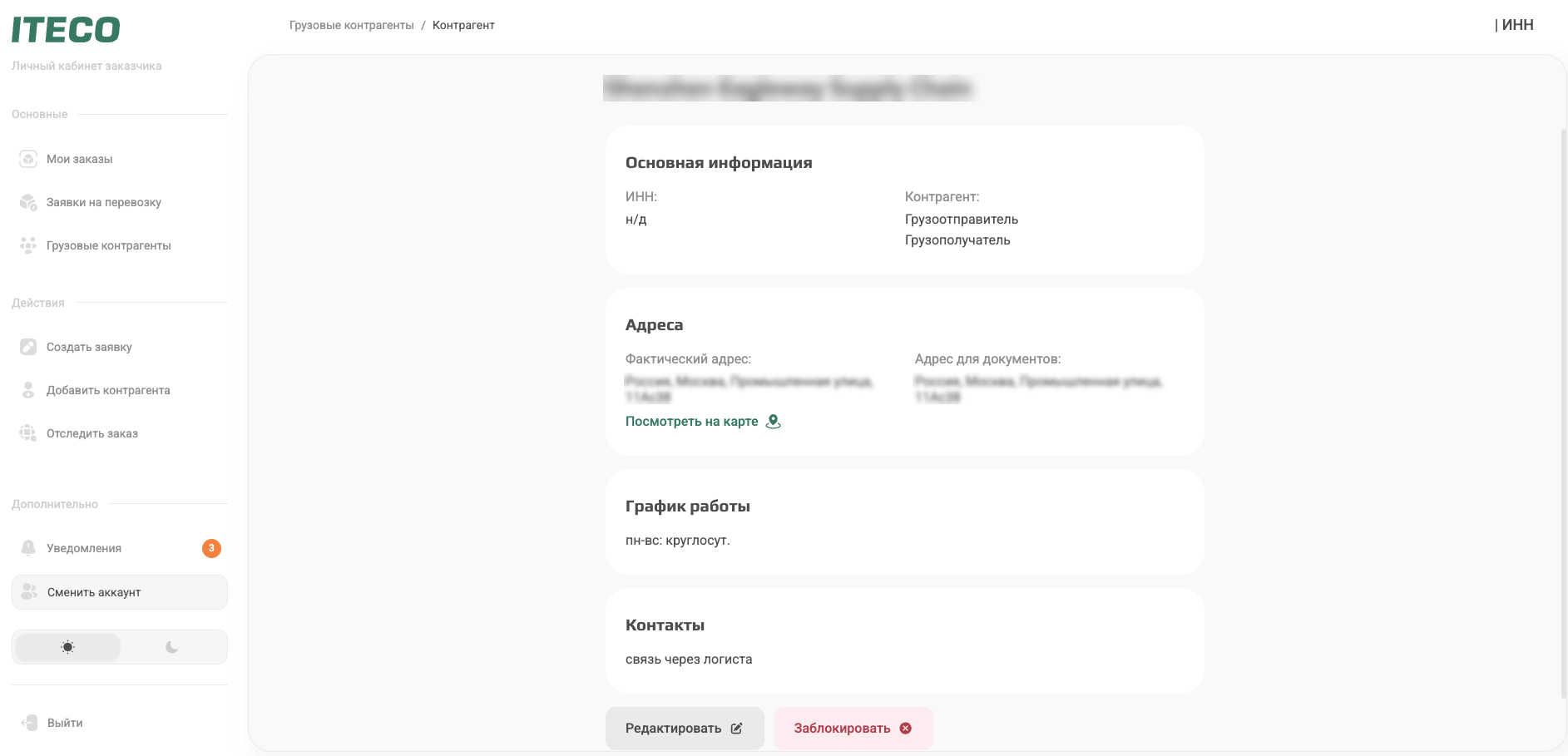
  • Warehouses are stored in the shipping partner directory.
  • Users create a warehouse entry and specify its location.
  • The warehouse address can be set by placing a pin on the map.
  • The saved warehouse can then be selected as the shipment’s pickup or delivery location.

Result

Saved warehouses can be used as pickup or delivery locations when creating shipment requests.